Apply Configuration to a Device
How to Apply a Configuration
- Navigate to the Device List and select the target device.
- Open the device details page and click Configure.
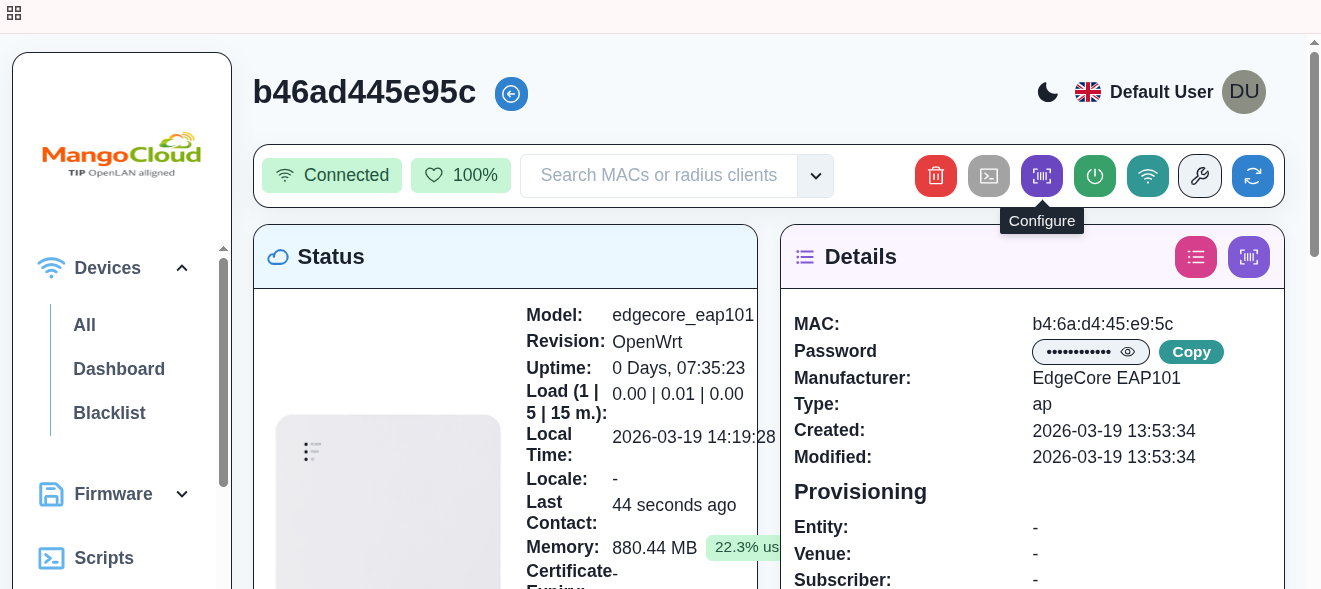
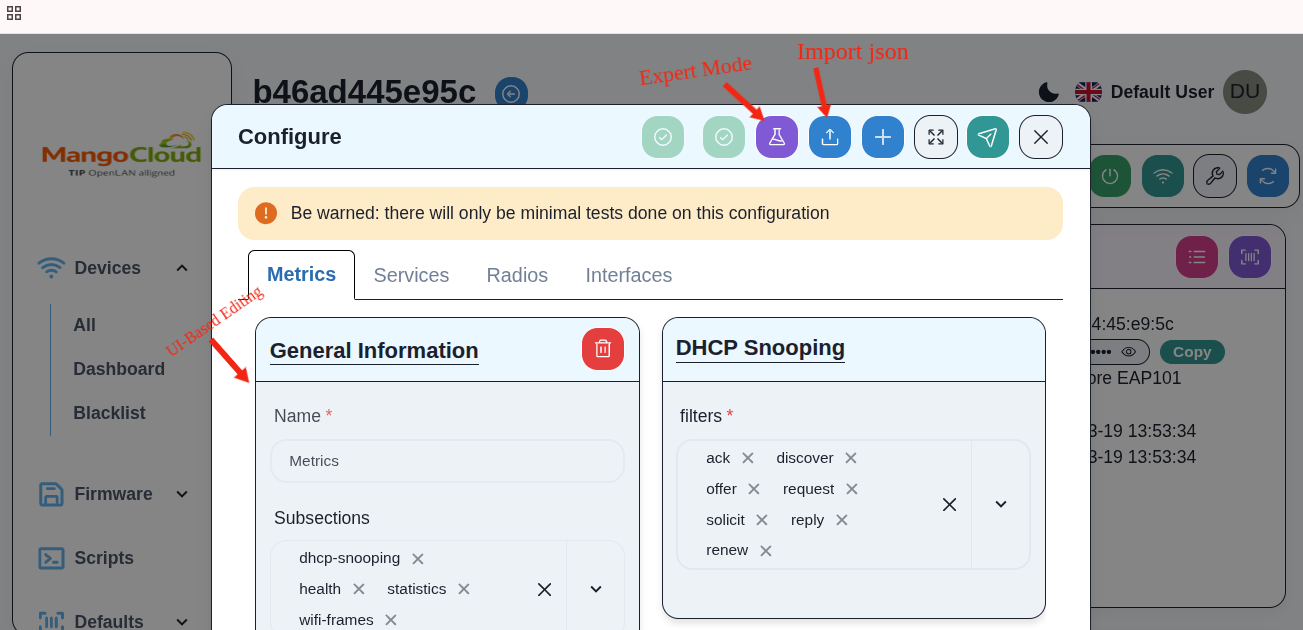
Provide the configuration using one of the following methods:
UI-Based Editing
Use the form-based interface to directly modify and apply configuration on the device without working with raw JSON. This is the most preferred method for standard configurations and helps reduce the risk of syntax errors.
Import JSON
Upload a pre-validated configuration file. This is recommended when you already have a tested configuration and want to apply it directly without modification.
Expert Mode
Edit the raw JSON configuration directly. This is intended for advanced users who need full control over configuration parameters or want to make precise changes.
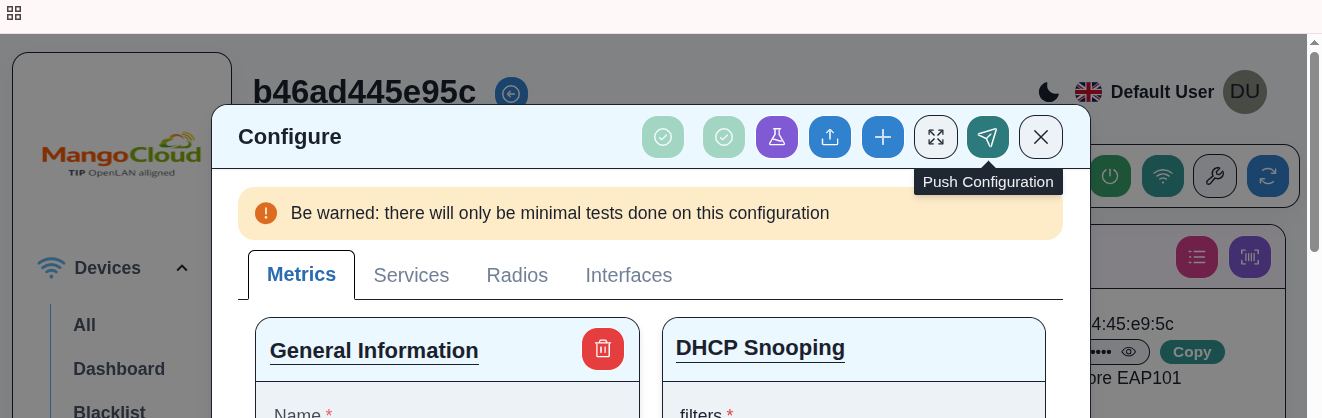
- After adding or editing the configuration, click Push Configuration.
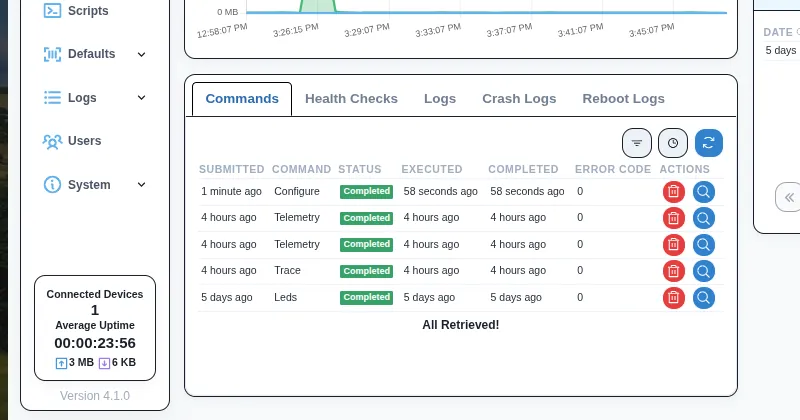
- Monitor the command status in the device command history.
Result
- The selected configuration is pushed and applied to the device.
- Verify successful execution by checking for
SuccessorCompletedstatus in the command history.