Wi-Fi Scan
Use Wi-Fi Scan to detect nearby wireless networks from the device.
How to Use
- Click the Wi-Fi Scan button to initiate the process.
- In the popup window, click Scan to start scanning.
- You can download the Wi-Fi scan results after the scan completes.

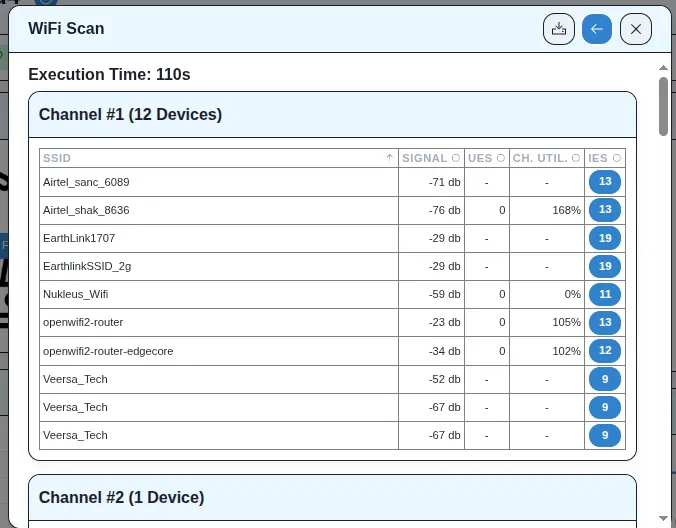
Result
- The device scans and returns a list of nearby wireless networks.
- The results include details such as SSID, signal strength, and other relevant network information.