Device Provisioning Workflow
Use Cases
- Provision devices using a hierarchical model (
Entity -> Venue -> Subscriber) instead of manual per-device configuration - Apply a standard configuration (
WAN/LAN,DHCP/NAT,Wi-Fi SSIDs,services) across multiple devices - Override configuration for a specific device while still inheriting defaults
Steps to Provision a Device
Step 1: Ensure Device is Available in Inventory
- Navigate to
Inventory - Verify the device exists
- If not present, add the device to Inventory
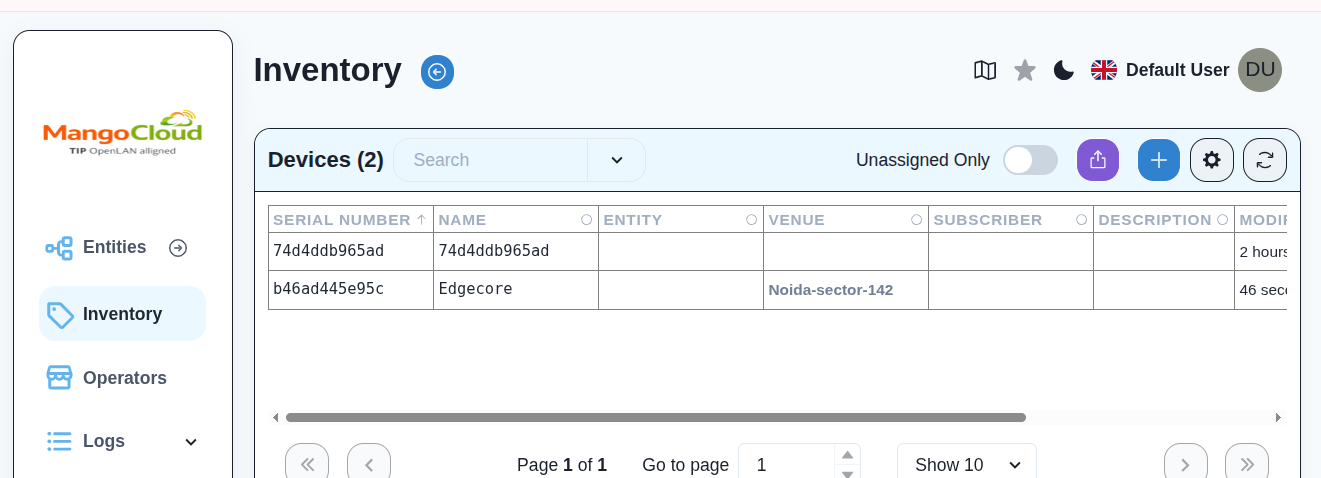
Step 2: Create or Verify Entity and Venue present.
- Create or select the required Entity.
- Create or select the Venue under that Entity.
Step 3: Assign Device to Entity and Venue
- Add the device to the correct Entity and Venue to inherit the appropriate configurations.
Step 4: Configure Entity and Venue Level Template
- Add configuration at Entity level if you want it inherited by all venues.
- Add configuration at Venue level if you want it applied only to that venue.
- Save the configuration template.

Entity level configuration template

Venue level configuration template
Step 5: Add Device-Specific Configuration
- In the device details page(via inventory), add Device-Specific Configuration essential for device rest configuration will inherit form Entity and Venue.
- Save the configuration for the device.
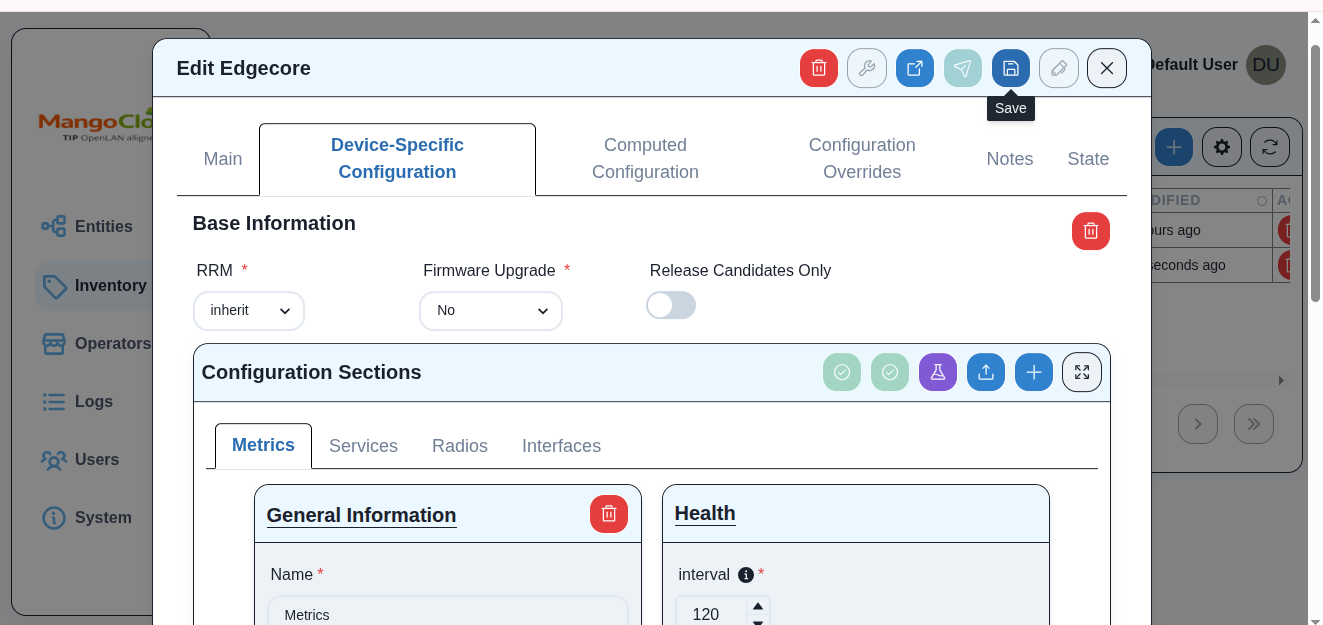
Step 6: Apply (Push) Configuration
- Open the
Device Detailspage - Review
Computed Configuration(final merged configuration) - Click
Push Configuration

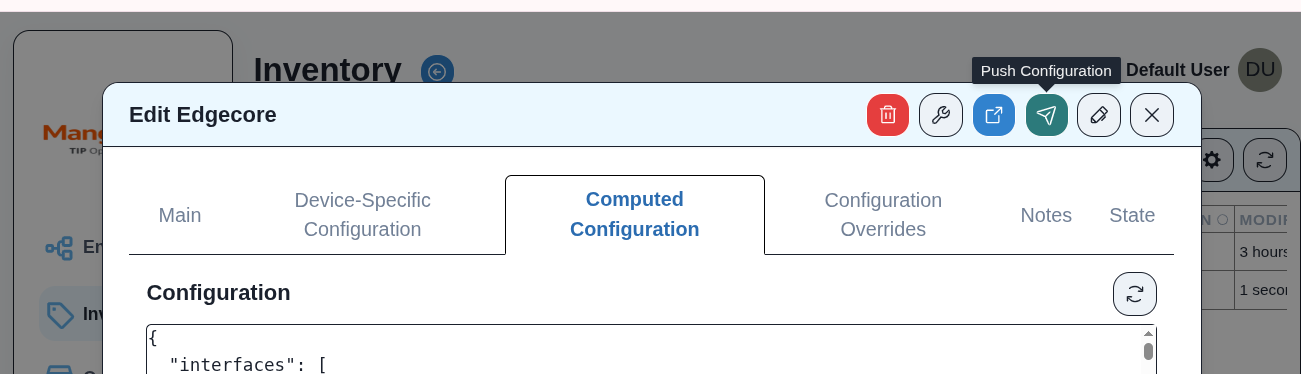
Step 7: Verify Provisioning Status
- Ensure the configuration is applied correctly on the device
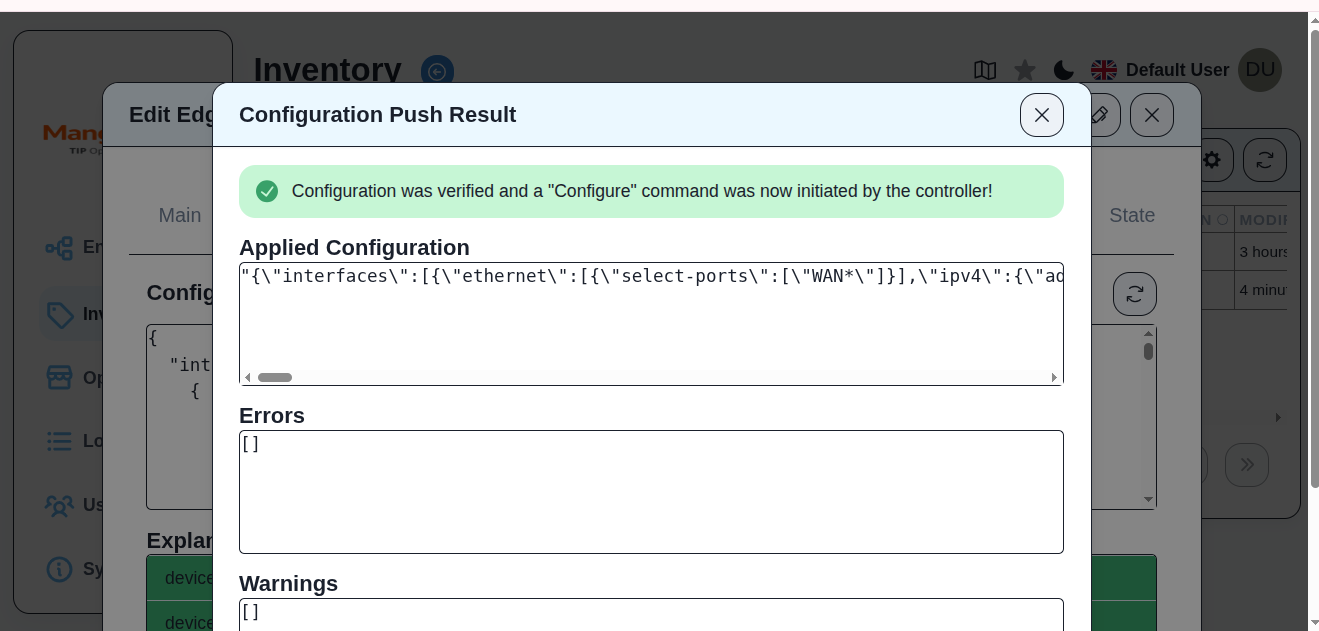
Result
- The device receives configuration based on:
- Entity-level template
- Venue-level template
- Device-specific overrides (if any)
- The device is fully provisioned and operational