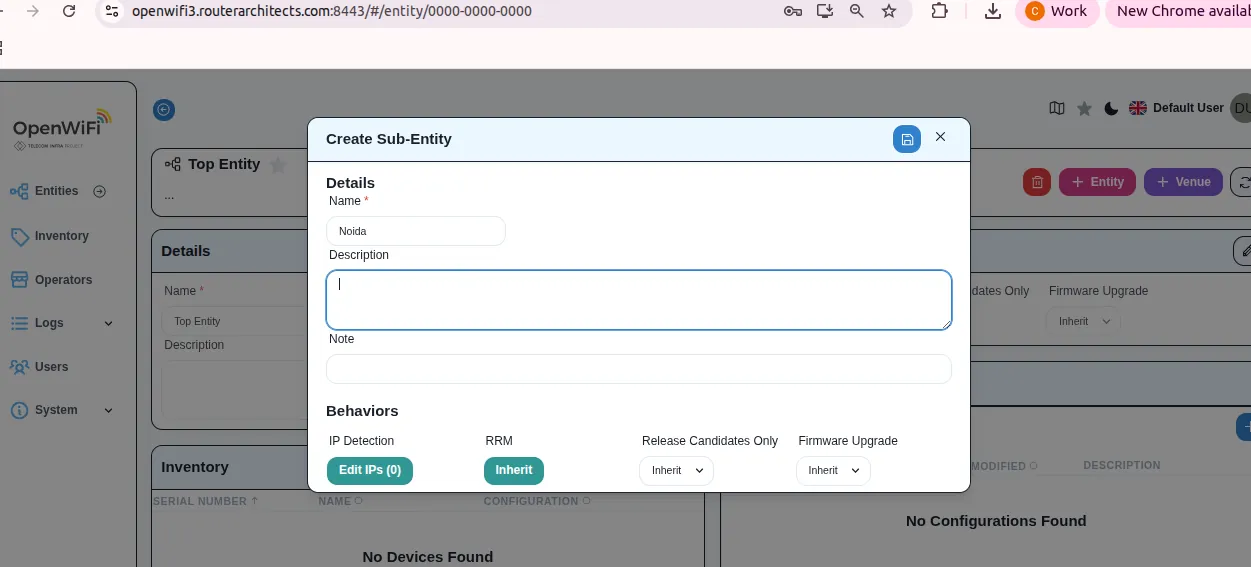
Creating Entities
Use cases:
- Organize devices by location/organization (example: Company -> City -> Site).
- Enable configuration inheritance (Entity/Venue configs contribute to final device configuration).
Steps:
- Log in to OWPROV-UI:
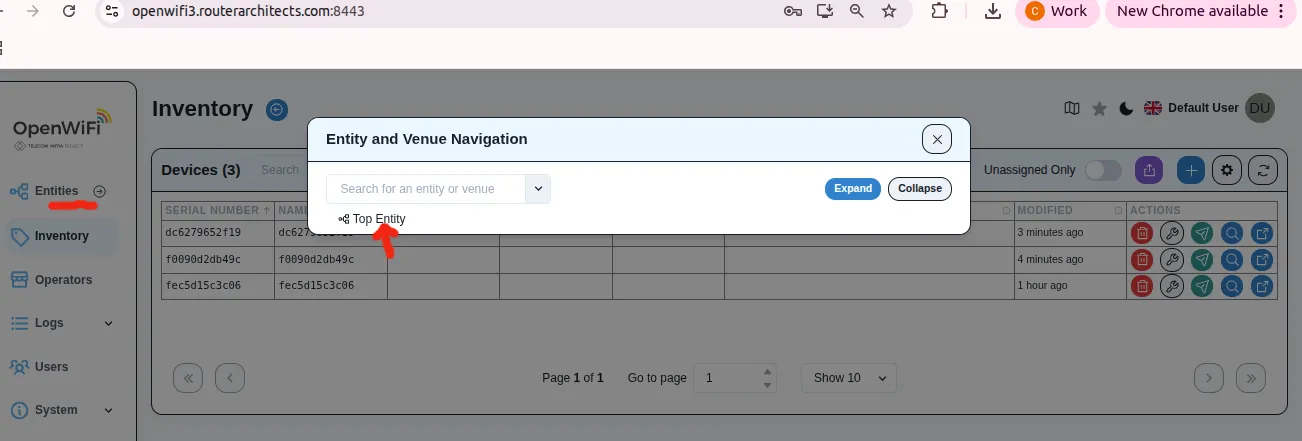
https://<DOMAIN_NAME>:8443. - From the left menu, click Entities.
- Click Top Entity.
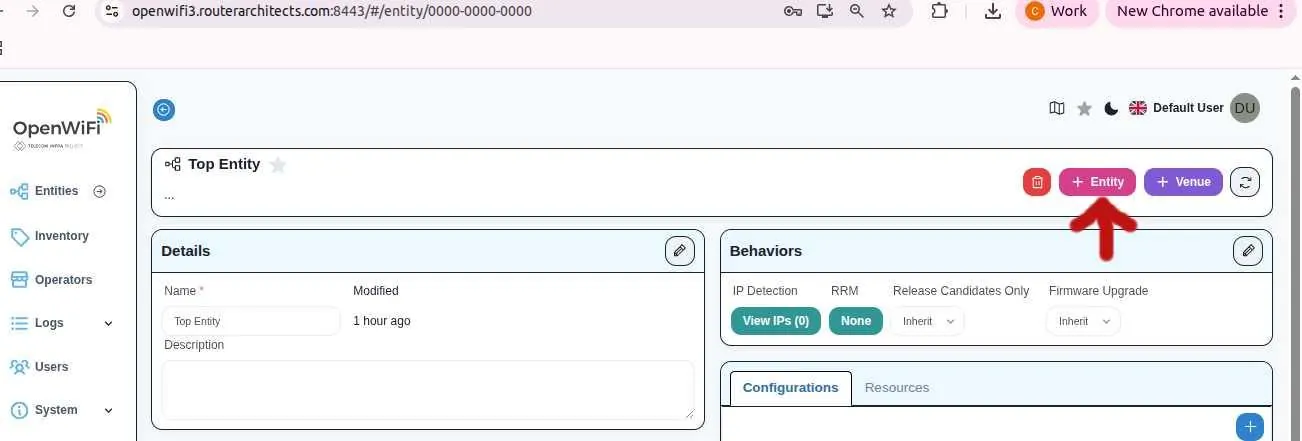
- Click + Entity (top-right).
- Enter Entity name (optional description) and click Save.